Four steps from
source clip to submission.
One source clip becomes three exported MP4s for TikTok, Reels and Shorts. Then the brief tracker closes the loop. Here's exactly what happens.
Step one
Upload a clip, style captions.
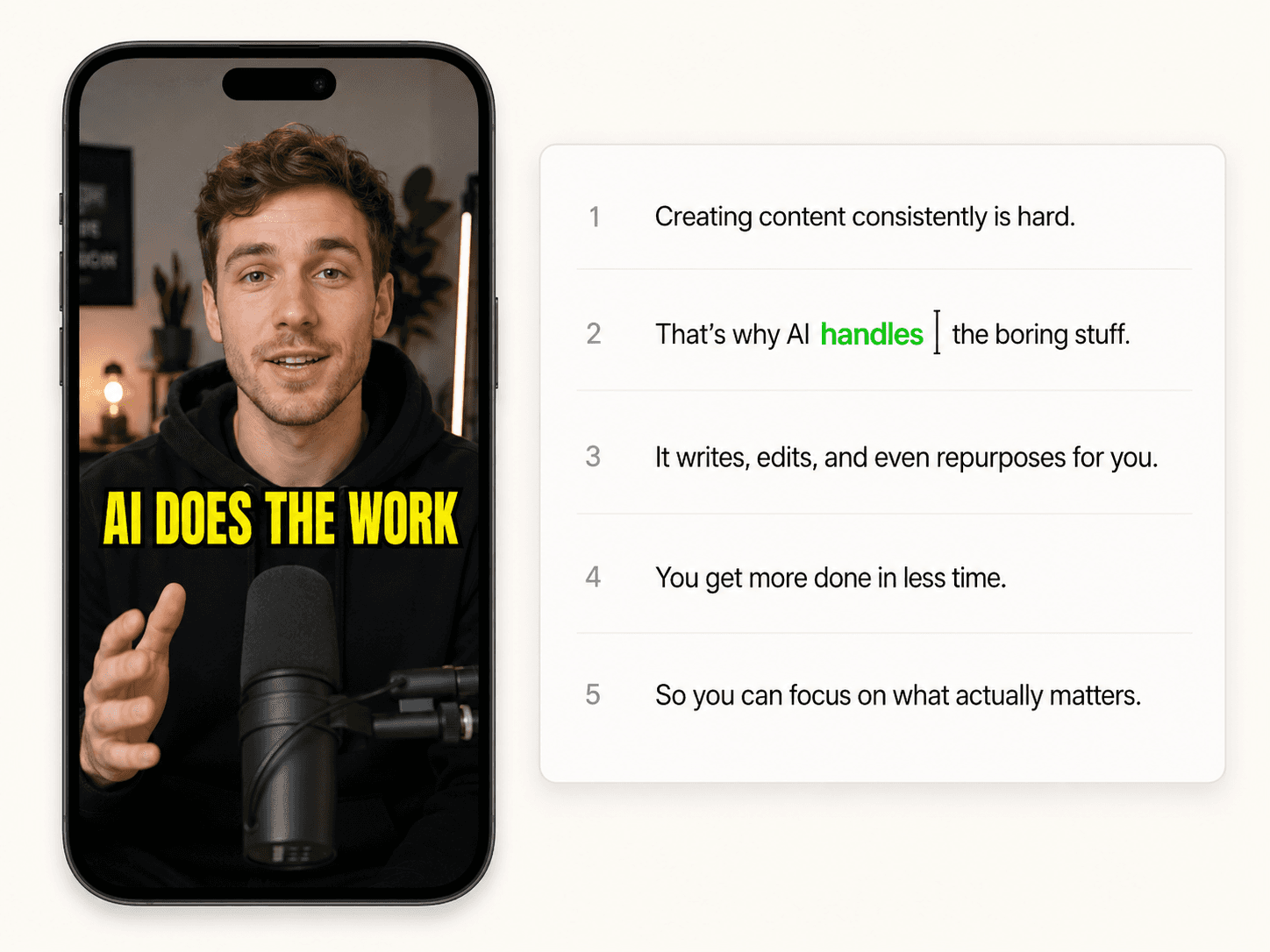
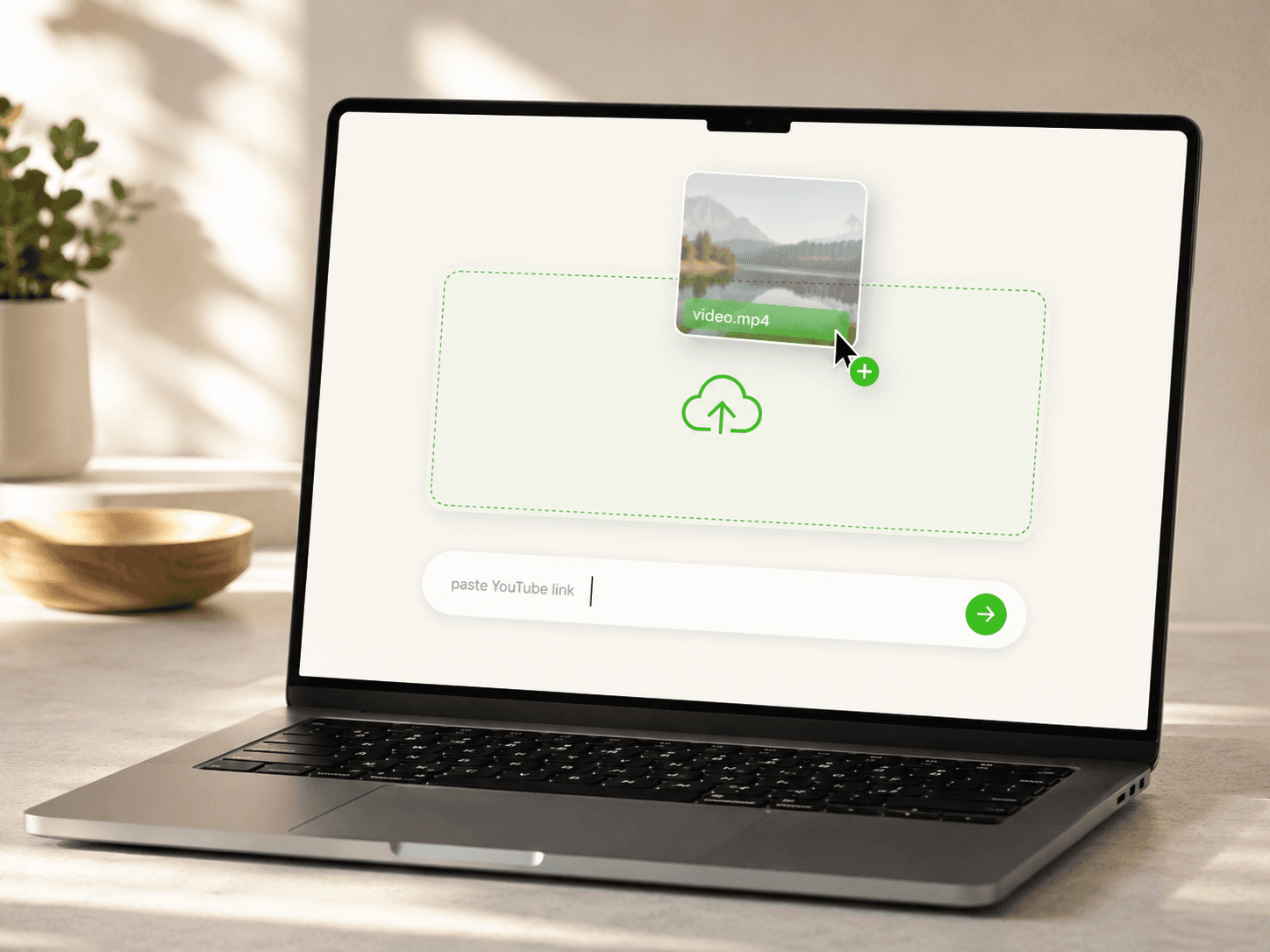
Upload your source clip. Captions land in 48 languages with 99% accuracy. The transcript becomes editable text · fix any word, the caption updates everywhere. Auto Cut trims silences. Auto Zoom punches in on the emphasis word.
- Captions appear in under 90 seconds for a typical clip
- Word-by-word highlights, not just full-caption highlights
- Auto Cut detects silences, ums, and duplicate takes
- Auto Zoom face-tracks with damped-spring smoothing
Step two
Swap to cleared audio.
Pick a track from our licensed soundtrack pool. Original audio gets muted entirely so platforms have a clean license trail to point at instead of your source bed. Mubert Business tracks unlock on Pro.
- Curated free pool ships with every plan
- Mubert Business soundtrack tier on Pro
- Original track muted entirely on swap (not mixed)
- Audio swap is a Power tier feature in the variant export
Step three
Export to three platforms.
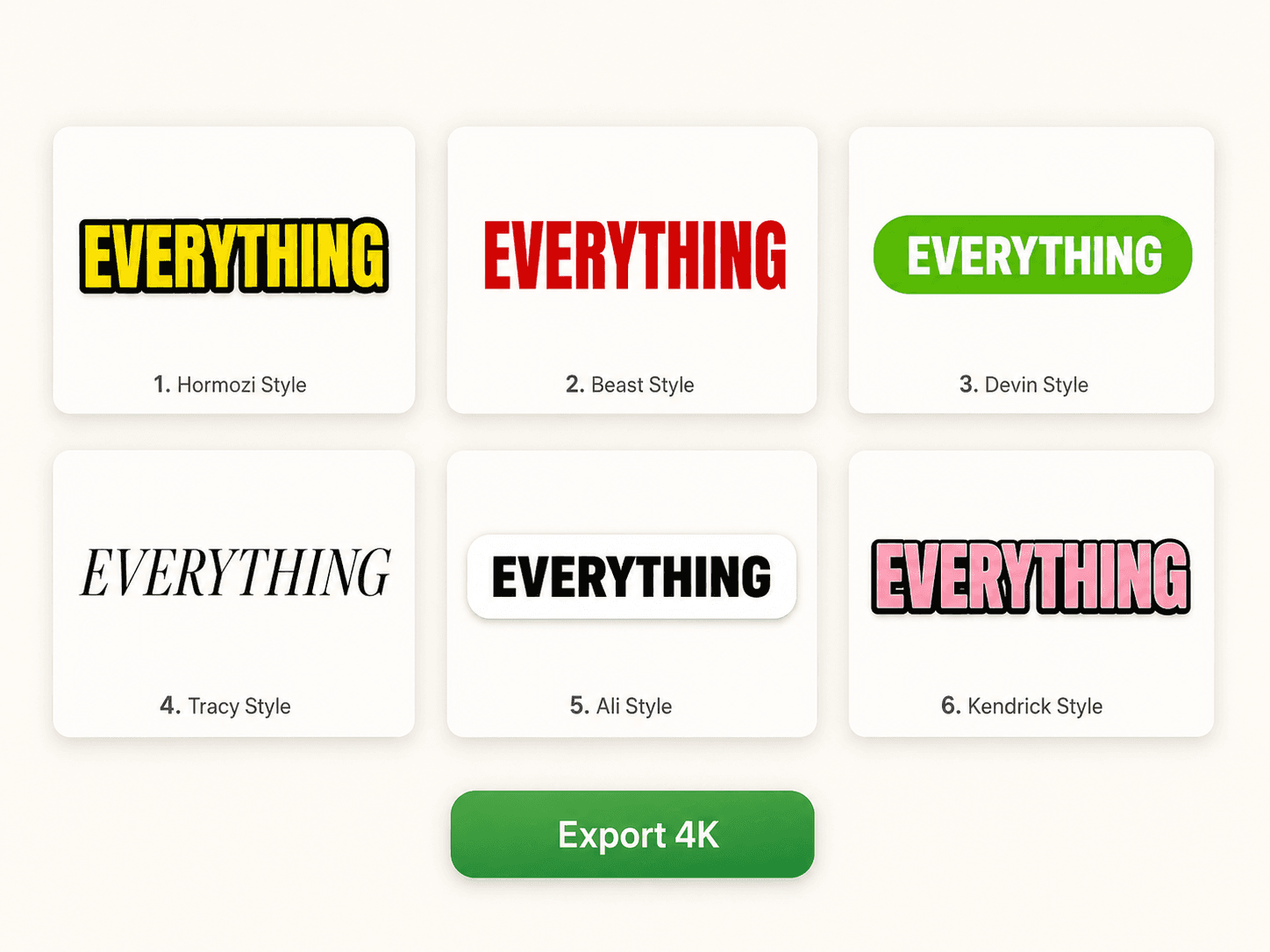
Hit export. Out come three MP4s tuned for TikTok, Reels and Shorts. Each variant gets the right aspect ratio, safe zone, and hook frame. One source clip, three platform ready uploads.
- TikTok, Reels, Shorts in one export pass
- Per platform safe zones for caption placement
- Hook frame rotation across the three variants
- Export 720p (Free) or 4K + 60fps (Pro)
Step four
Submit and track results.
Log which brief you submitted to and which platform you posted on. After ten clips per brief, you see approval rate and RPM trends so the next campaign picks itself. Brief tracking is a Power tier feature, launching alongside the variant export MVP.
- Log every brief you submit to
- Track approval rate per brief
- Track RPM trend per platform per brief
- Power tier launches with the variant export MVP
That's the whole flow.
90s
clip to MP4
typical end-to-end time
18
preset styles
plus unlimited custom
48
languages
captions and translation
Four steps. One tab.
Free to start.
Drop your first clip and see the whole flow in under 2 minutes.